Two-Factor Auth, Your Way
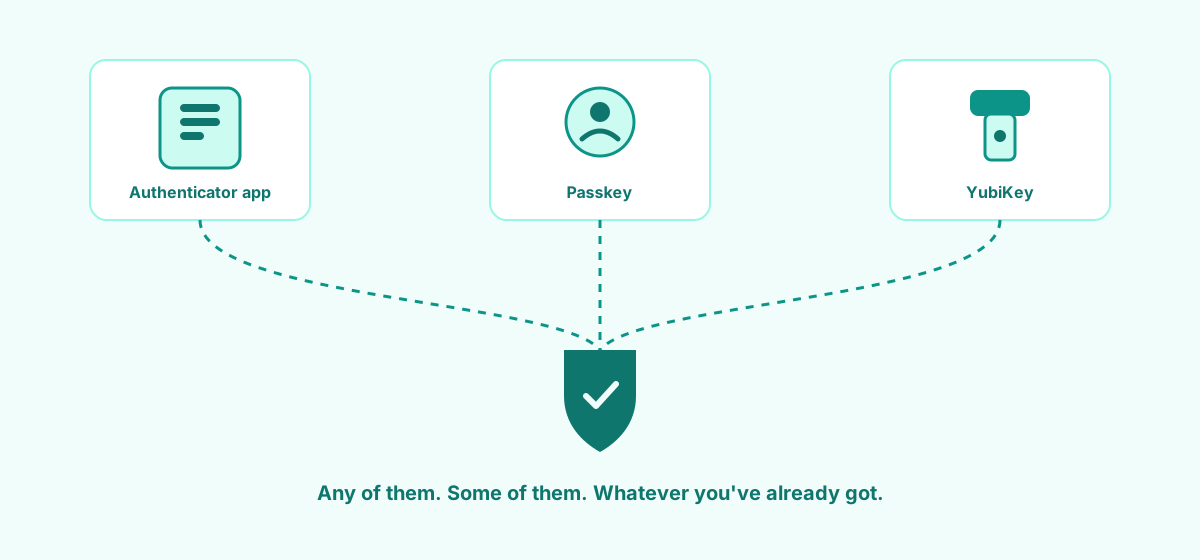
A lot of software treats two-factor auth as a "pick our way or the highway" situation. Usually that way is an authenticator app, whether you like it or not. We didn't want to do that, so we didn't.
Three methods, use whichever suit you
Authenticator app (TOTP). The classic. Google Authenticator, Authy, whatever you're already running. Scan a code, done.
Passkeys. Face ID, Touch ID, Windows Hello, or a security key acting as a passkey. No codes to type in at all. You can register more than one, handy if you've got a work laptop and a personal phone you both want set up.
YubiKey. If you're already carrying one, plug it in and go. Register as many as you like, so a spare in the drawer isn't a bad idea in case the one on your keyring goes for a swim.
You're not locked into one. Set up an authenticator app and a YubiKey if that's what feels right. We're not fussed which combination you land on, as long as you land on one.
Organisations can require it, on their own terms
If you're running the show for your business, you can flip a setting so 2FA is mandatory for everyone in your organisation. Nobody gets to skip it because they couldn't be bothered setting it up.
We didn't want that to mean someone gets locked out the second you flip the switch, so there's a grace period. Existing members get a window to get sorted before it's enforced, new members get their own window from the day they join. Nobody's stuck outside their own books because IT turned a setting on while they were at lunch.
Why bother giving you the choice
Because forcing everyone onto one method just means the people who don't like that method either fight with it or skip 2FA altogether if they can. Give people options that fit how they already work and they'll actually use it. That's the whole point of two-factor auth in the first place: something that's actually on, not something that's technically available but everyone's ignoring.
Set it up under your account settings whenever you're ready. Takes about two minutes, whichever one you pick.